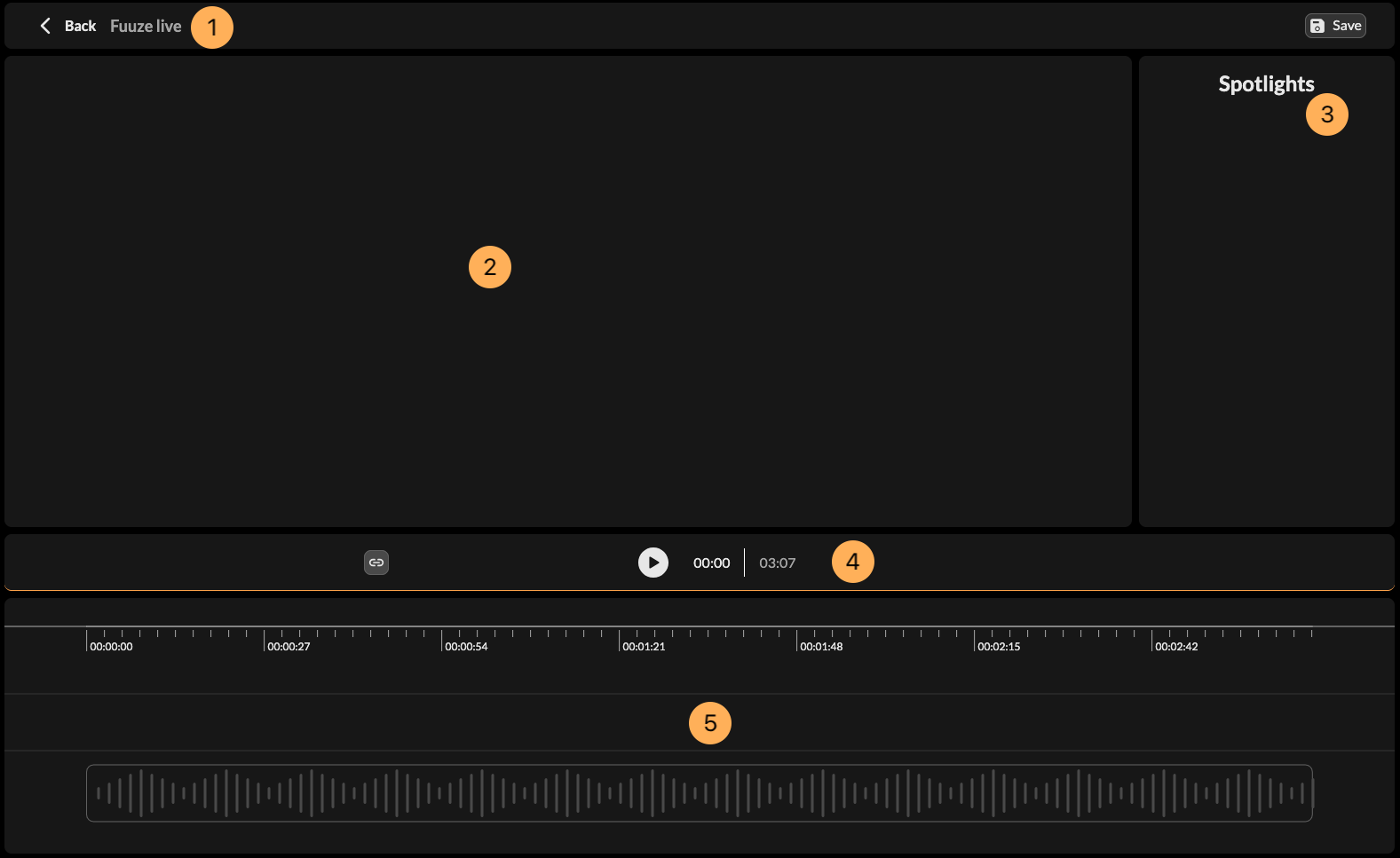
Fuuze provides creators with an editing tool for their podcasts, allowing you to add contextual elements such as links. The studio is only accessible through the web browser. To access it, click on the Studio option in the navigation menu, or access it directly with https://web.fuuze.app/creator/studio. The studio interface is made up of five main sections:
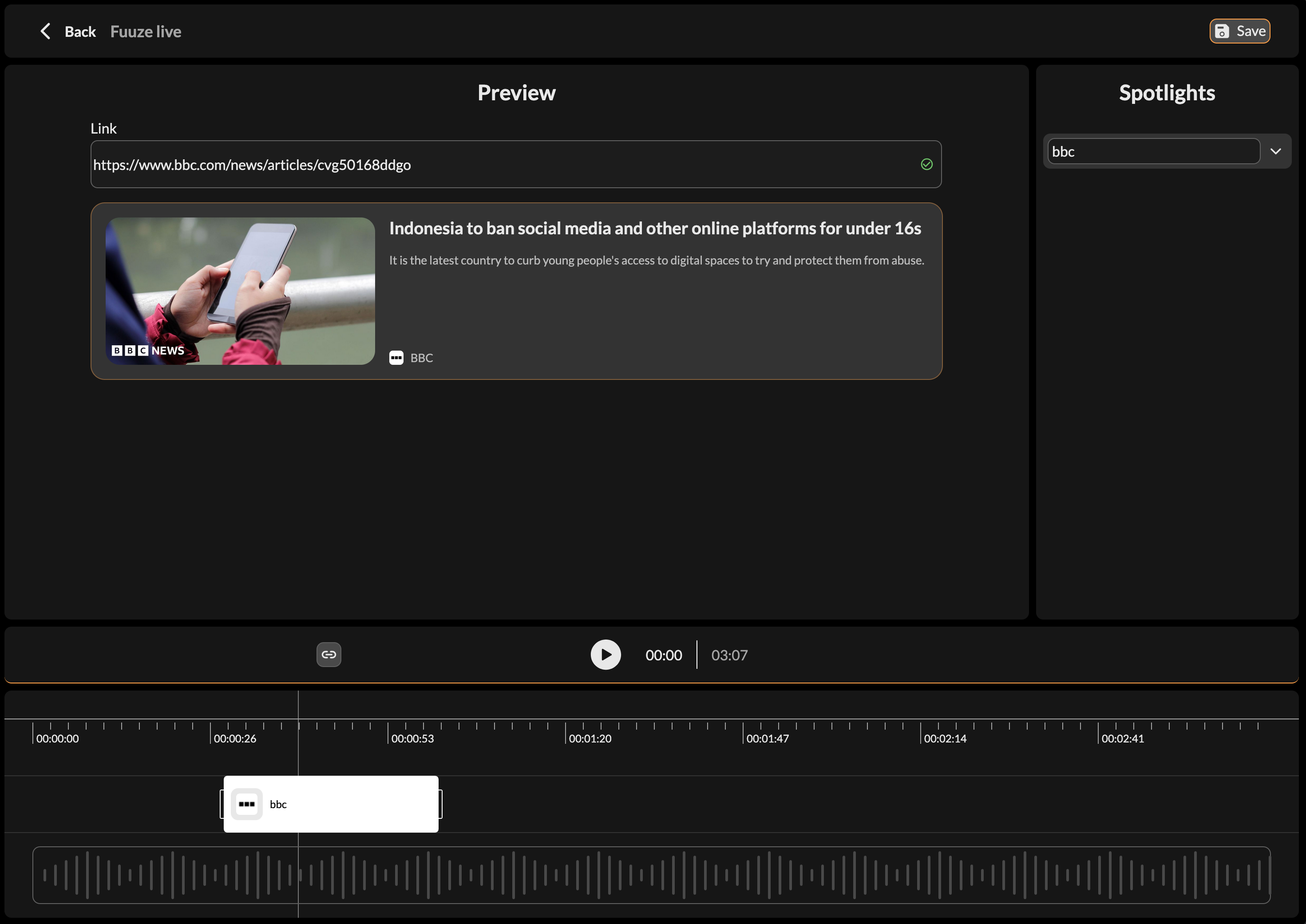
To add a contextual link, click on the link button in the Action zone, or press Ctrl+L. It will add a Spotlight you can resize and drag along the timeline in the Editor zone. When selecting it, you'll be able to add or edit the link you want to show.